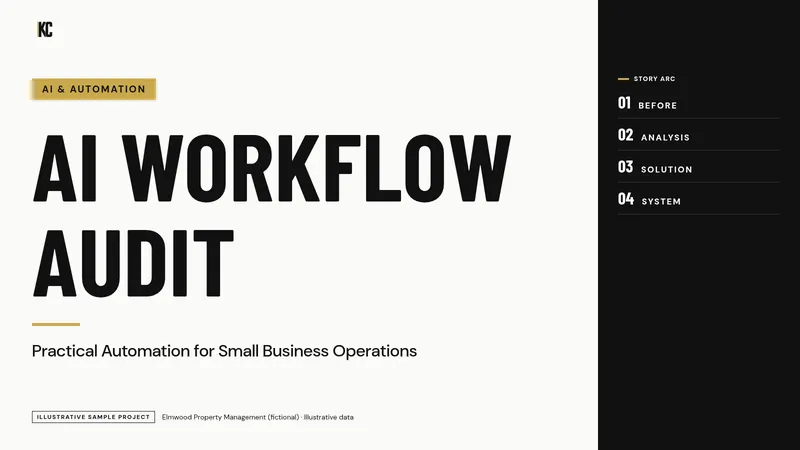
Illustrative sample project
AI Workflow Audit and Automation Roadmap
Where AI and automation help, and where they would make a mess faster.
Service 05 · Practical, reviewed, documented
AI and automation can take real work off your team: drafting, summarizing, follow-up, data entry and status updates. They can also create new problems when nobody reviews the output. I help you find the use cases that are worth it, set them up with clear review points, and teach your team how to use them.
Fixed-scope project. You get one price in a written proposal after the call.
Sound familiar?
Owners who want practical help, not hype.
What you walk away with
How the project runs
Ongoing support is available after a project if you want it.
I work in the tools you already have where they can support the process. These are tools I have worked in; it is not a list of partnerships, and I do not resell software.
Where my work stops. I am not a software developer and do not build custom applications. This work uses the automation features of your existing tools and AI tools with human review. Data privacy, employment and regulatory questions go to the appropriate professional.
Portfolio
Sanitized sample projects. Fictional companies, illustrative data.
Where AI and automation help, and where they would make a mess faster.
15-Minute Systems Fit Call
You do not need to know which service you need. Bring the problem. On a free 15-minute call:
Free · 15 minutes · No pitch deck
It is a conversation about fit, not a sales script and not free consulting. If I am not the right person, I will say so.
Book a 15-Minute Systems Fit Call
Contractor with a job costing question? Try the free Job Cost Readiness Scorecard first.
Operator Notes
Start with repetitive work that is easy to check: drafting routine messages, summarizing notes, organizing information and first-pass analysis. Avoid automating decisions that carry financial, legal or customer risk without a person reviewing them.
No. I set up practical workflows using AI tools and the automation features already in your CRM, project and productivity tools, with written review steps.
Part of the work is writing down what information can and cannot go into AI tools, and choosing settings and tools that fit. Specific privacy or regulatory questions go to the appropriate professional.
A note on advice
Kelly is not an accountant, CPA or lawyer. What she provides is operational guidance and implementation based on her personal experience running businesses and operations departments, not accounting, tax, legal or financial advice. For those, please talk with your own CPA, attorney or financial professional.